Generate accurate grids, anchors, handles, and construction guides that highlight the thinking behind the design and elevate how your work is perceived by clients and teams. For Adobe Illustrator.
Update available 🚀 Please update to the latest version for the best experience•We’re constantly working on new tools and improvements to make Helpers even better•
Key Features
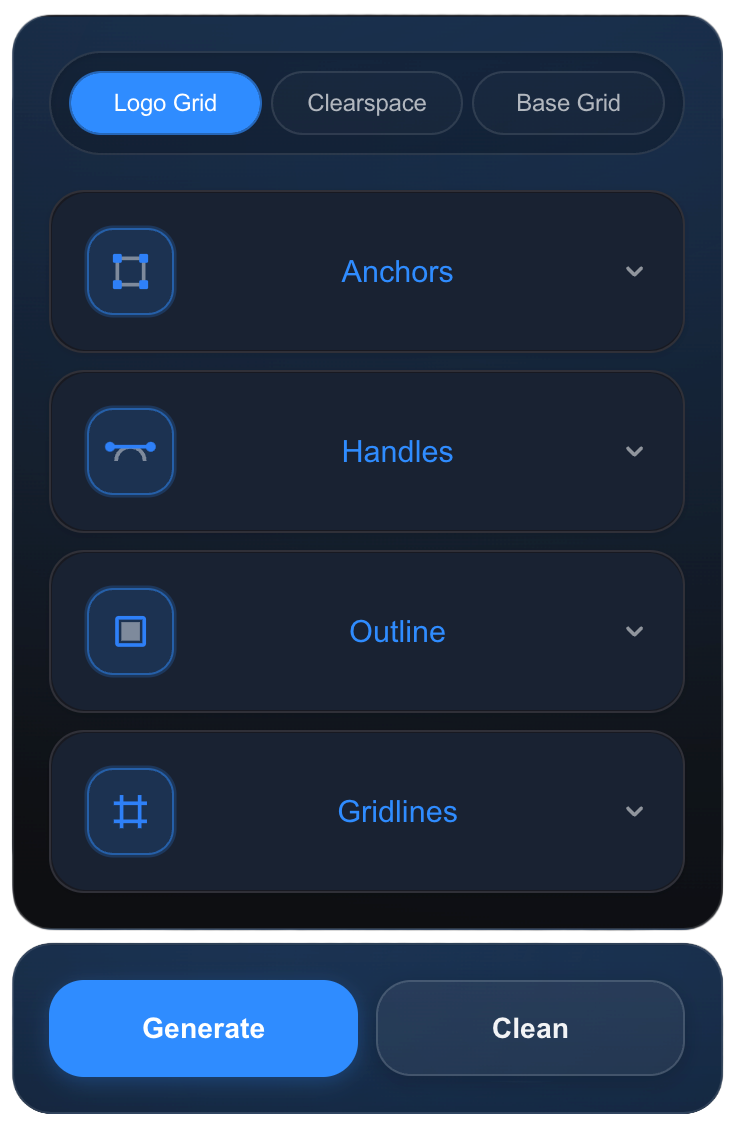
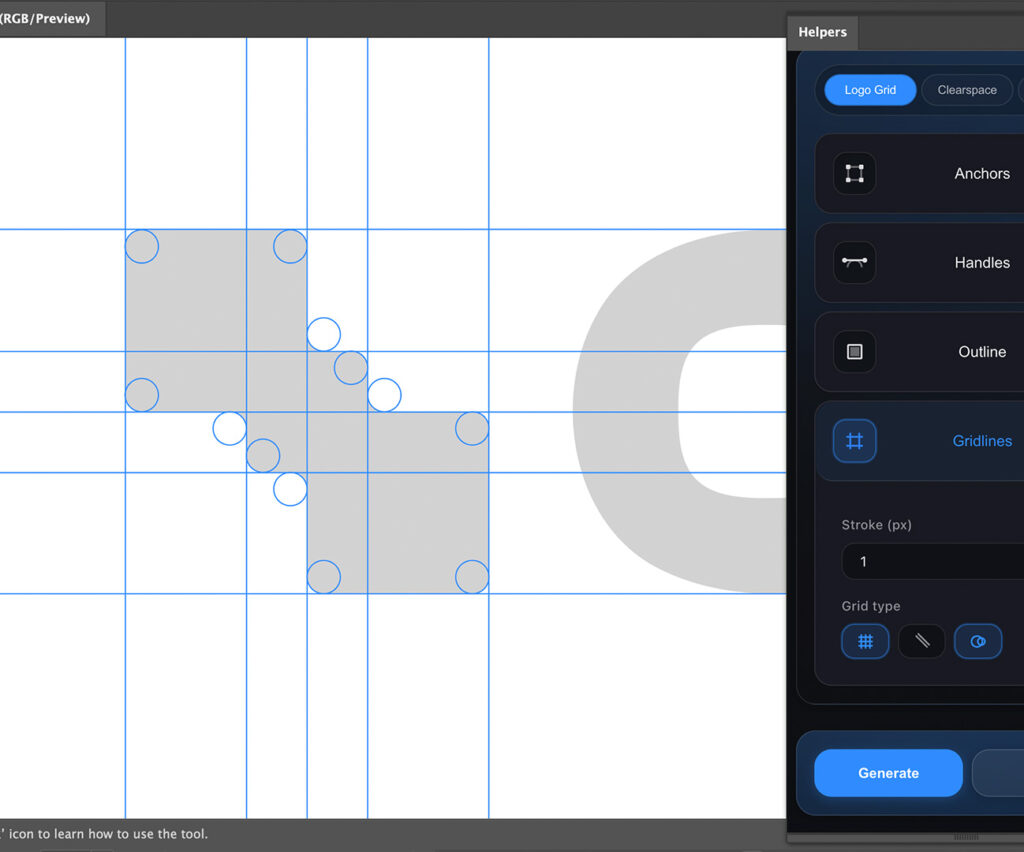
Extract anchor points from path geometry (adjustable size & shape, square or circle) Visualize bezier control handles independently from anchors Generate alignment lines from horizontal, vertical, and diagonal segments Detect circular arcs and reconstruct them as circle-based grids Create bounding box outlines for logo lockups.
Anchors
Handles
Gridlines
Straight, diagonal, and circular grids highlight the underlying geometry, making it clear that the logo is built on thoughtful design decisions, not chance. This visible structure reinforces credibility, elevates the brand, and signals that the identity was crafted with purpose and precision.
Clearspace
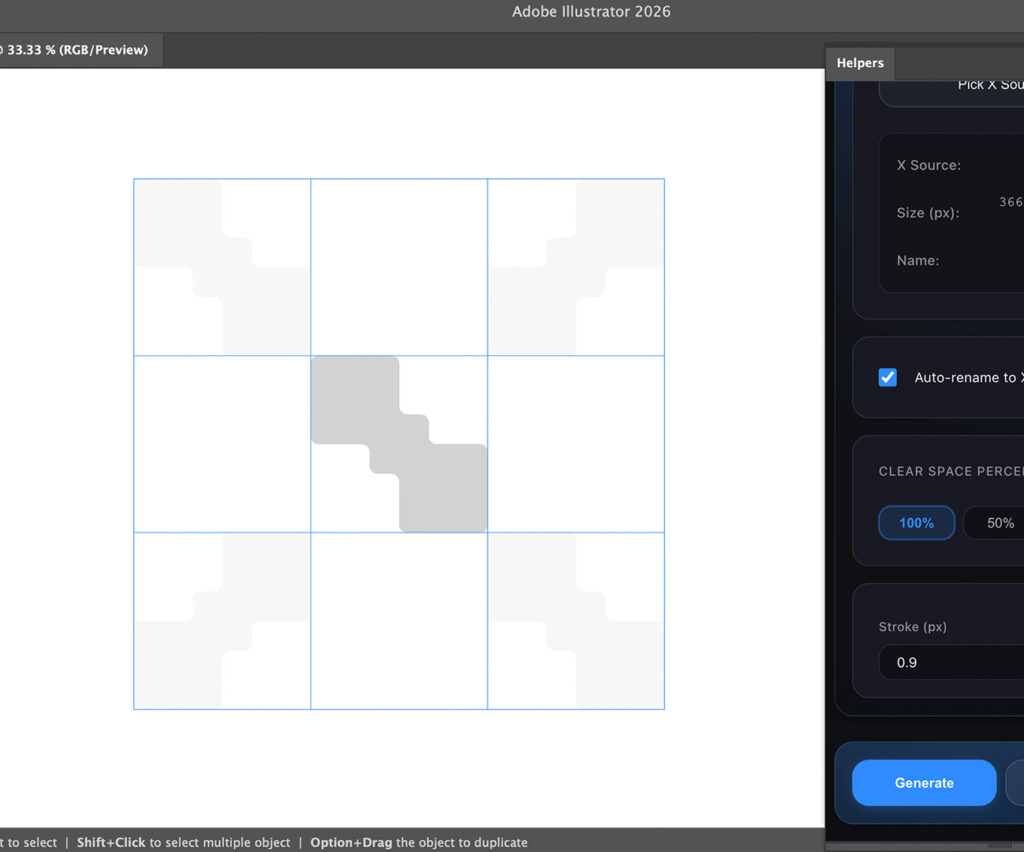
Calculate minimum clearspace using a reference object X-REF system Supports 25% / 50% / 100% clearspace values. Automatically manages reference naming for a clean workflow.
Square
Isometric
Hex
Golden
Settings⌃
▲▼
▲▼
Use selection bounds
Base Grid Systems
These grids provide a strong structural foundation that reduces guesswork, speeds up decision-making, and ensures visual coherence across complex designs. By grounding creative choices in clear geometry and proportion, designers can focus more on concept and expression while maintaining a professional, well-constructed result.
Our Price
Purchase once and choose the plan that fits your needs. All licenses are a one-time payment with full access to features and future updates no subscriptions.
Single User
$
69
00
Lifetime license
For individual designers
1 seat
Full access to all features
Commercial use allowed
Free future updates
One-time purchase
Popular
Multi User
$
95
00
Lifetime license
For small teams
5 seats
Full access to all features
Commercial use allowed
Free future updates
One-time purchase
Studio
$
250
00
Lifetime license
For agencies & studios
25 seats
Commercial use allowed
Free future updates
Priority support
One-time purchase
Our Price
Purchase once and choose the plan that fits your needs. All licenses are a one-time payment with full access to features and future updates no subscriptions.
Studio
$
250
00
Lifetime license
For agencies & studios
25 seats
Commercial use allowed
Free future updates
Priority support
One-time purchase
Single User
$
69
00
Lifetime license
For individual designers
1 seat
Full access to all features
Commercial use allowed
Free future updates
One-time purchase
Popular
Multi User
$
95
00
Lifetime license
For small teams
5 seats
Full access to all features
Commercial use allowed
Free future updates
One-time purchase
installation Guide:
Follow a simple, step-by-step process to get the plugin up and running in minutes. No complex setup or technical knowledge required — just install, activate, and start designing with precision. Supports Adobe Illustrator 2019–2026.
Step 1: Download the Plugin (Helpers.zip)
Step 2: Download the Installer
To install the extension, you need the aescripts ZXP Installer. It’s the industry standard and very easy to use
Download the version for your computer (Mac or Windows)
Install a ZXP installer
Step 3: Install the Plugin
Close Adobe Illustrator.
Extract the Helpers.zip file
Open the ZXP Installer app you just installed
Drag & Drop: Take the .zxp file and drag it into the installer window
Wait for the green “Installed” message
Step 4: Start Using It
Open Adobe Illustrator.
Go to the top menu: Window > Extensions > Helpers
Enter your license key
That’s it! Your new toolkit is ready to work
Updating the Plugin
To install a new update, simply repeat the same installation process.
Download the new version of the plugin and drag the updated .zxp file into the ZXP Installer again. The installer will automatically replace the older version with the new one.
🍪
We use cookies
to improve your experience and analyze site usage.